
Your next career step
I’m ready to grow
Turn your next goal into something concrete. Keep a record of the results you have already achieved.
- A target role and personal milestones
- A journal of work achievements
- Material for interviews and reviews
Keep opportunities organised, see how your experience fits and prepare for interviews—all in one place.
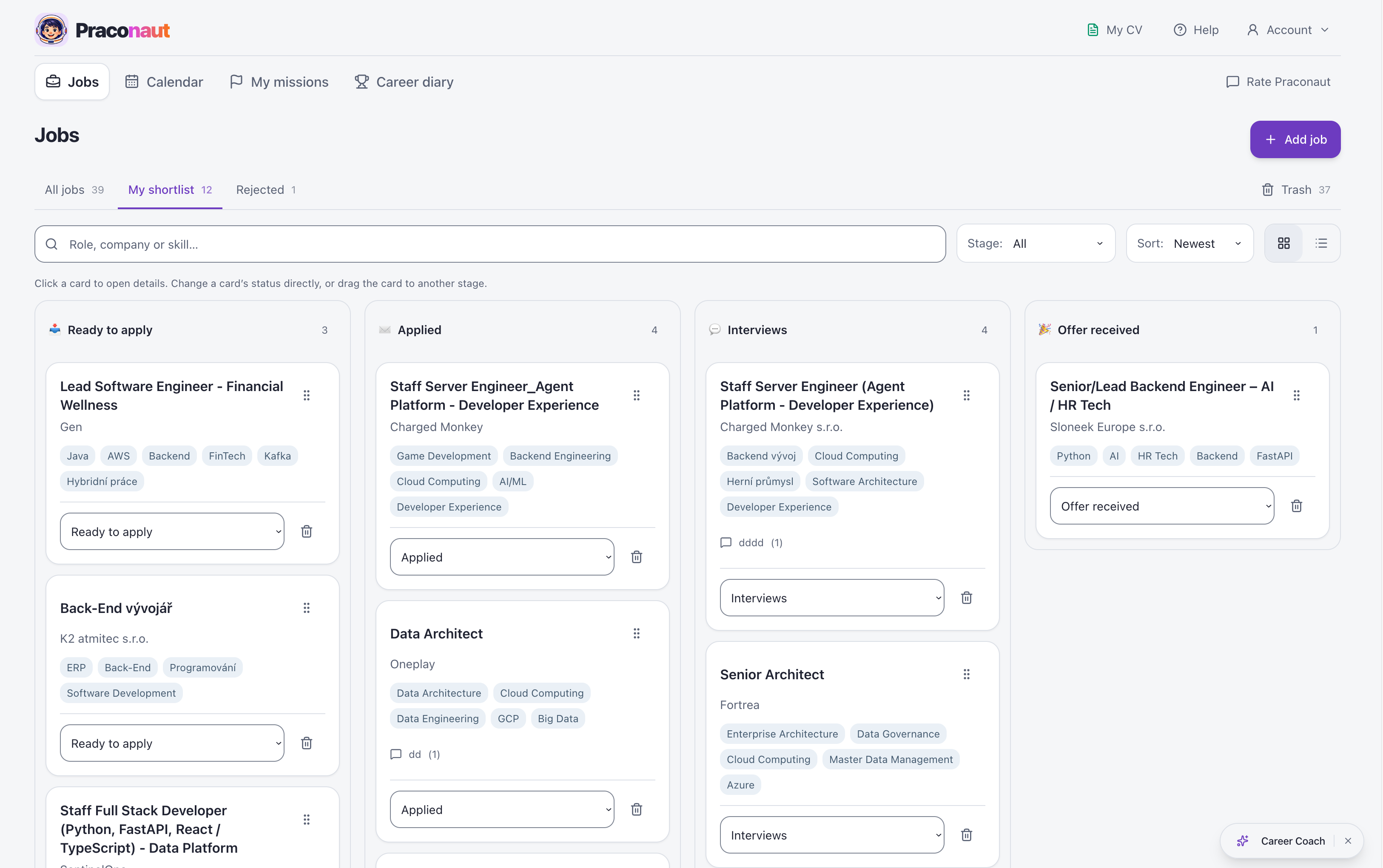
Your opportunities, notes, preparation and dates in one place. Everything connected to the relevant job.

One opportunity. All its context.
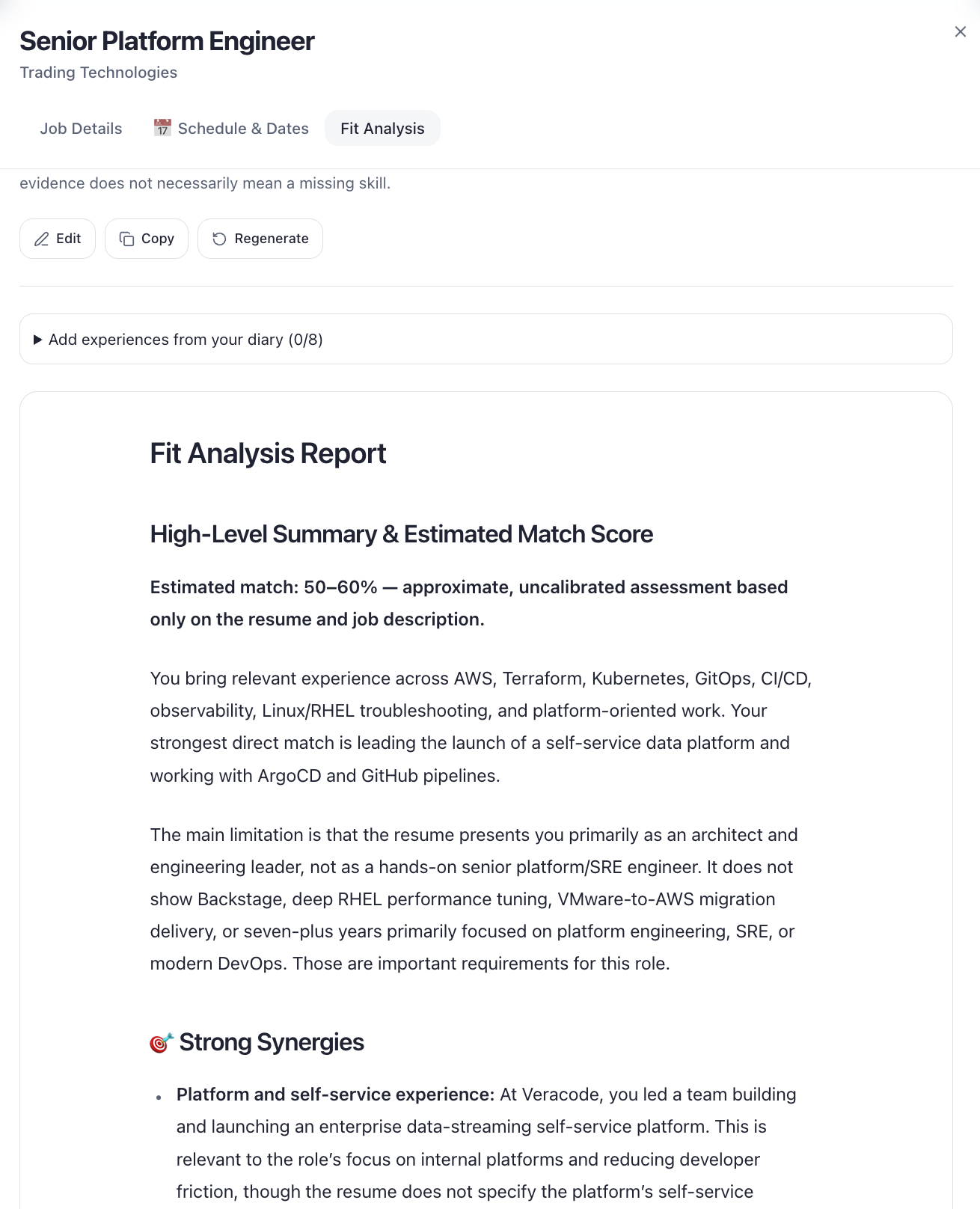
Fit analysis
Compare your CV and selected experiences with the job requirements. Identify relevant strengths and details to clarify. Missing information in a CV does not necessarily mean a missing skill; AI feedback is not a hiring prediction.
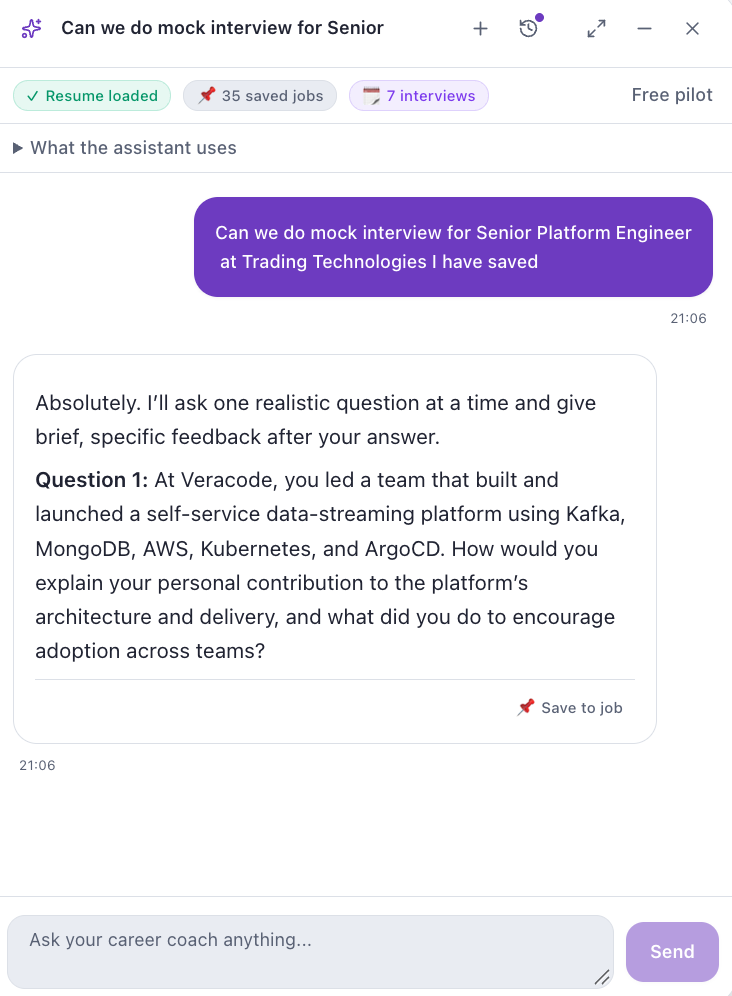
Career Coach
Practise interview answers using your CV and saved jobs. Your career coach helps you draw on your own experience, think through a next step and practise an interview one question at a time.
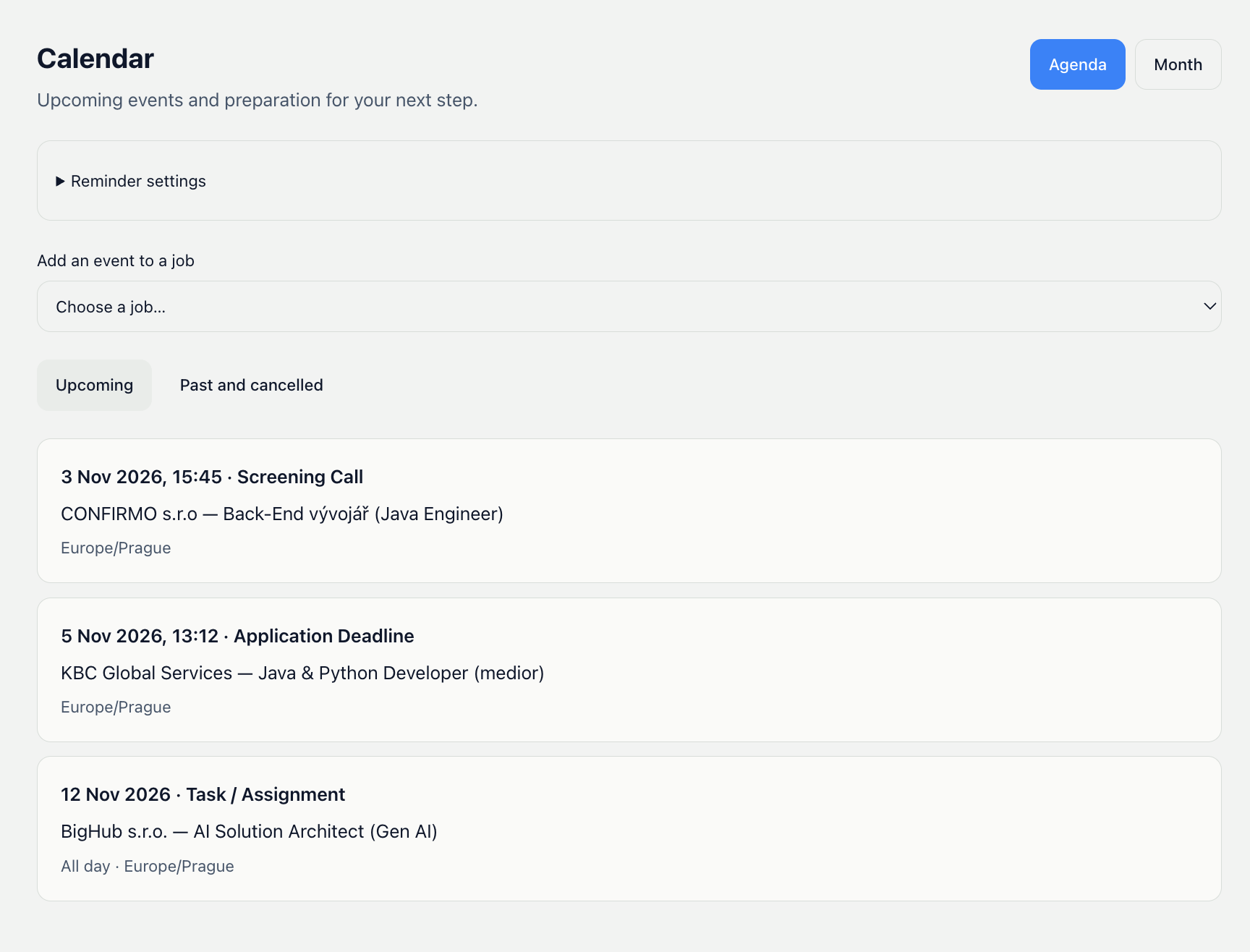
Calendar
Keep interviews, application deadlines and assignments in one view, linked to the relevant job. You can also export an event to your own calendar.
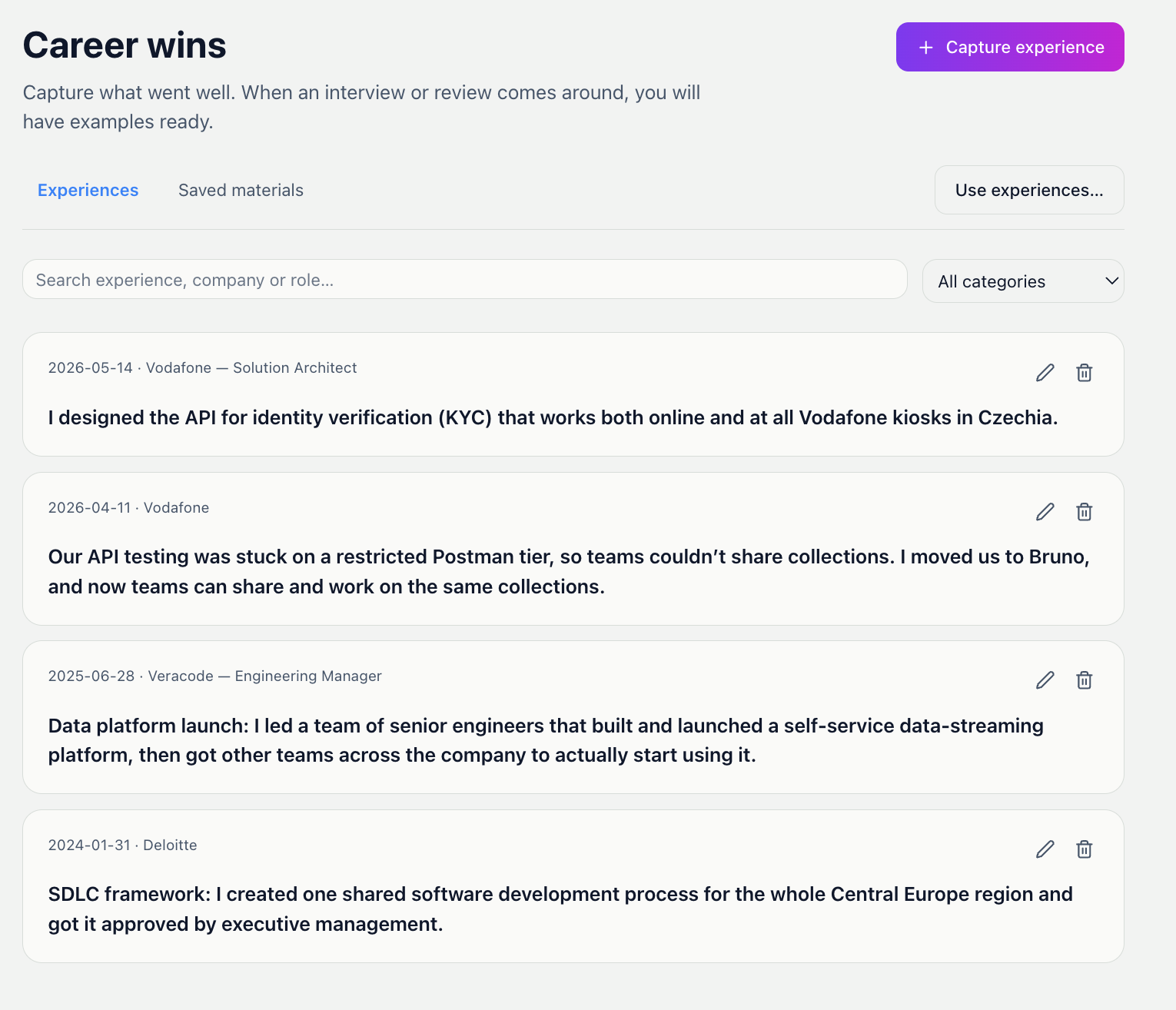
Career Wins
Capture what went well while it is fresh in your mind. Reuse your experiences when updating your CV, comparing a role, preparing for an interview or discussing your progress at a review.
Chrome extension
Send a job listing to Praconaut without copying and pasting.
1Find a role on a job board
2Click the Praconaut extension in your browser
3Continue in Praconaut
Create your Praconaut account. Save jobs using the extension, or paste a description or link.
Whether you are finding your first job, changing careers or moving forward, start with what you need now.
Your next career step
Turn your next goal into something concrete. Keep a record of the results you have already achieved.

Career changers
A new field does not mean starting from zero. Discover what transfers and what you need to develop.

Students and graduates
Your first job starts with experience you already have — from school, part-time work or a personal project.
FAQ
Praconaut is an app that helps make your job search or career change simpler and more organised. I’m developing it as part of my bachelor’s thesis at Prague University of Economics and Business, but development won’t end when I submit my thesis. I plan to keep developing and improving Praconaut based on users’ experiences and feedback.
Yes, it’s completely free.
No, apart from your email address for registration. Uploading a CV is optional but helps personalise your experience. You can leave out your name, phone number and address.
Praconaut is hosted on Google Cloud using Firebase, Google’s platform for web applications. Your connection to the app is encrypted using HTTPS.
No. The Chrome extension makes it easier to save a job from an open page. You can also paste the job text or URL into the app. Some websites block URL imports; if that happens, paste the job description instead.
Move your career forward
Have a role in mind? Save it and prepare your next step.
Get started„I’m building Praconaut to make job searching more organized. Your experiences help me decide what to improve next.“
Jakub · creator of Praconaut